What's new since openscreen
Capturia is a fork of openscreen, re-baselined onto upstream v1.10.0. Everything in the table below arrived after that baseline, in Capturia 2.1 and 2.2. Feature names link to the page that documents them.
| Feature | openscreen 1.10 | Capturia 2.1–2.2 |
|---|---|---|
| Area recording | Whole screen or one window | Drag a rectangle on a screen and record just that. Not offered on Linux.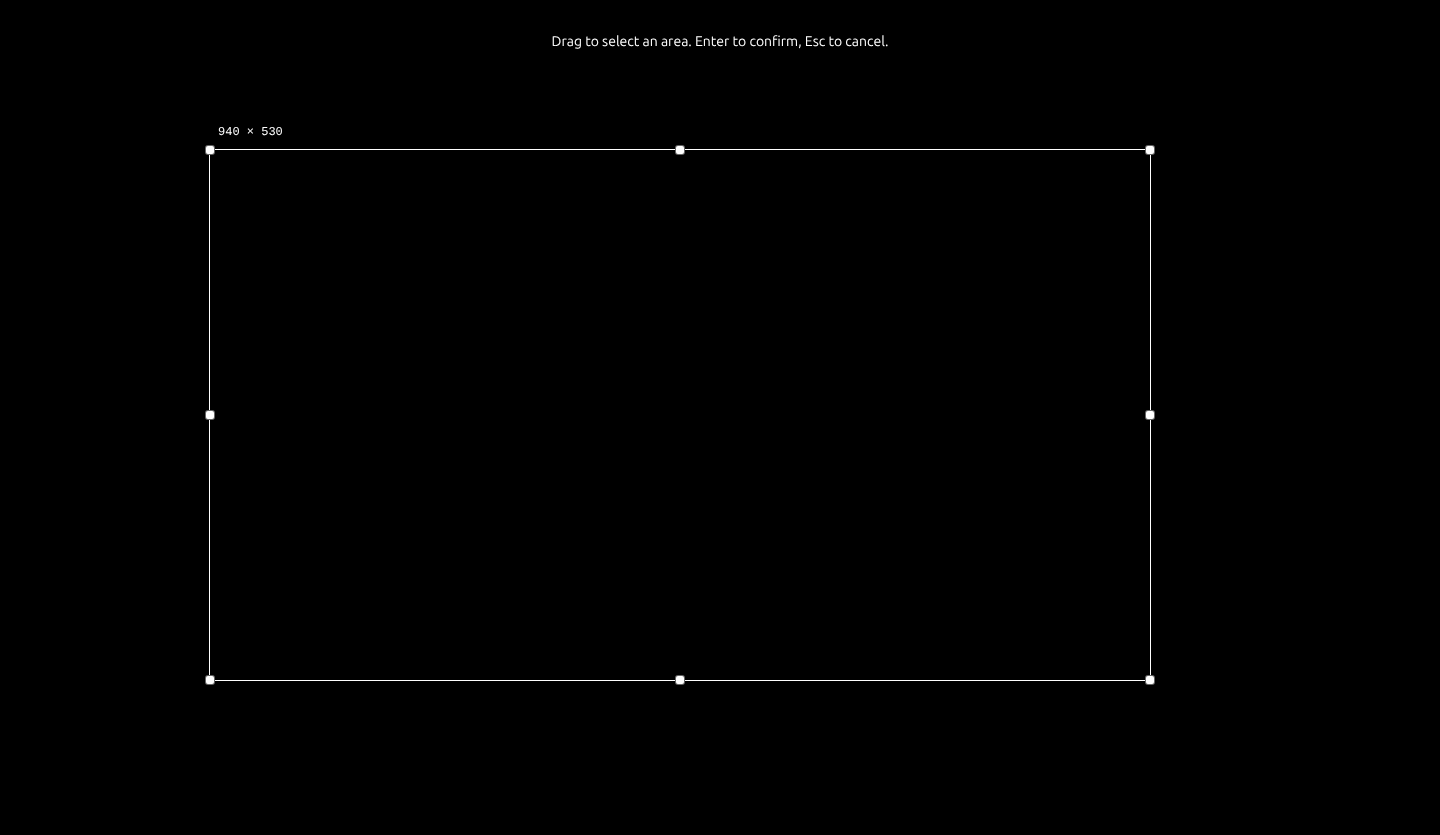 |
| Saved looks | Not in 1.10 | Save background, effects, cursor and caption styling as a named look; star one as the default for new projects.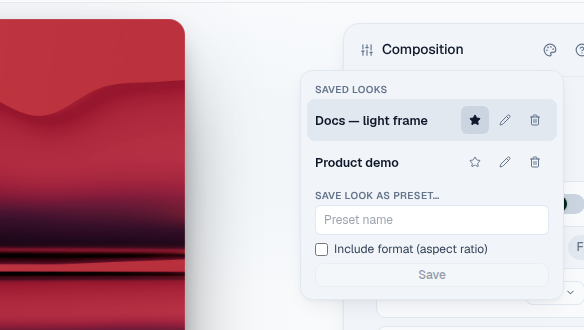 |
| Zooms at flagged moments | No way to mark a moment while recording | Flag a moment from the HUD while recording; auto-enhance turns each flag into one zoom.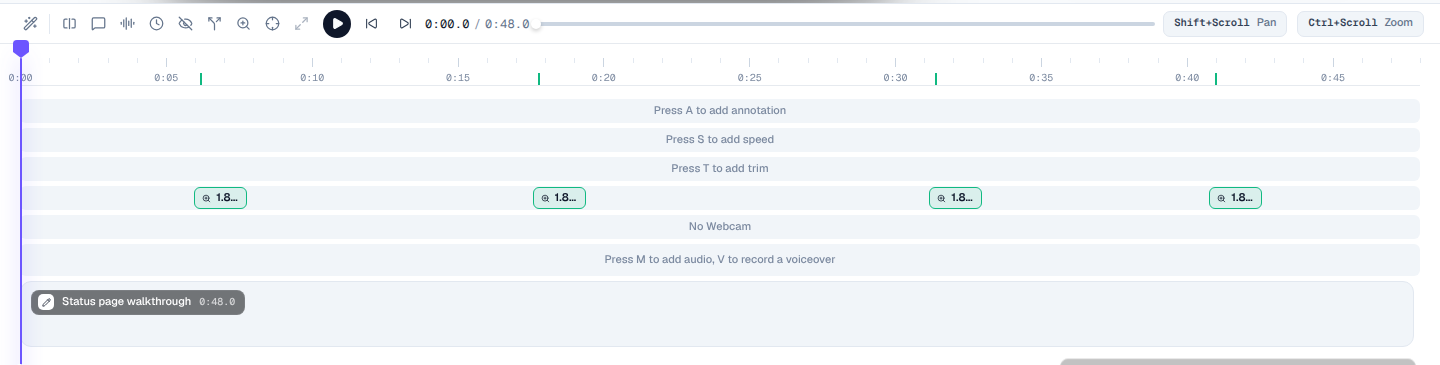 |
| Right-click region menu + paste attributes | Ctrl/Cmd + C / V only — the menu was open as upstream #24 | Copy, Paste at playhead, Delete on a region pill; Split at playhead on a clip; Ctrl/Cmd + Shift + V pastes attributes onto a region you already have.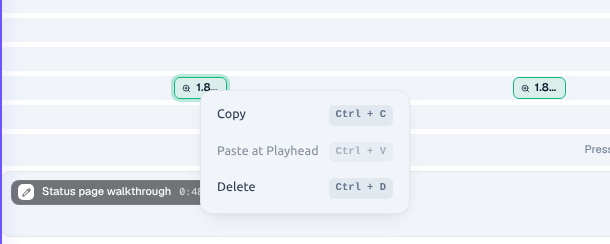 |
| Poster thumbnails | Recent projects listed without poster frames | Each recent project shows a frame grabbed from its own footage.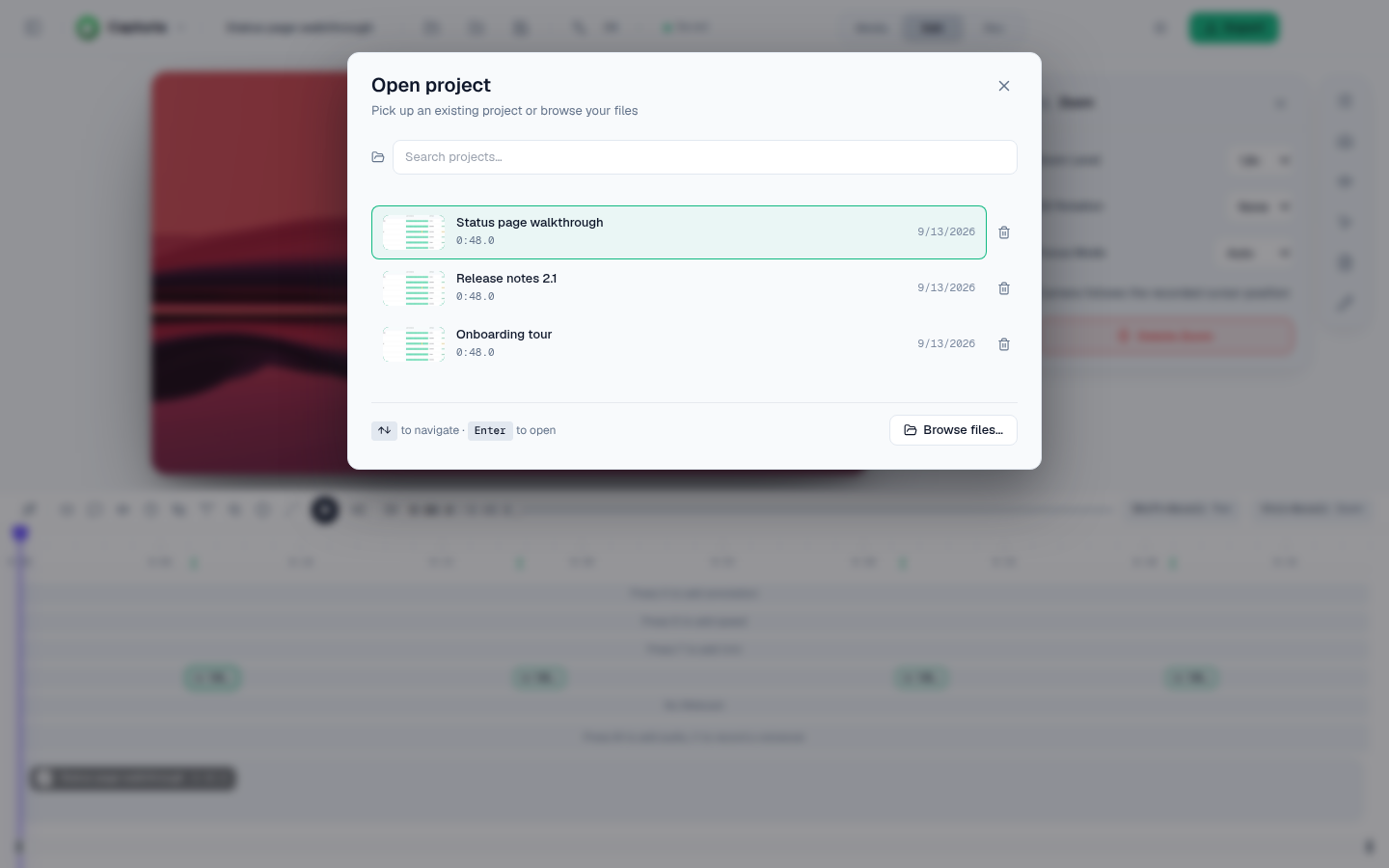 |
| Speech-model choice | One built-in Whisper model, not configurable | Fast, Balanced, or Accurate — switch without losing existing transcripts.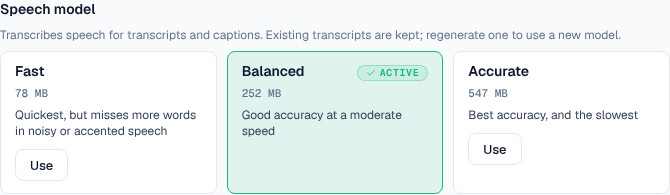 |
| Recordings folder | Default location only | Point new takes at any folder, and reset back. Earlier recordings stay where they were saved.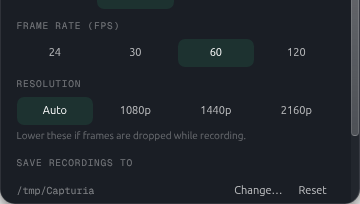 |
| Pre-release channel | Stable releases only | Get pre-release builds in settings: opt in to release candidates, off by default. |
| Click highlight | Not in 1.10 | An opt-in ring under the cursor on every recorded click, drawn by the same cursor pass in preview and export, so it follows zoom and tilt. Off by default; saved looks carry it. |
| Speed up idle | Not in 1.10 | Auto-enhance lays 3× speed regions over stretches where the cursor sits still and nobody is speaking. |
| Export dialog memory | Defaults on every open | Format, quality, frame rate, codec, aspect ratio and GIF options come back from the last export that succeeded. |
| Auto-level | Open on the roadmap as voice enhancement | One click measures the take's loudness on this device and sets the output gain so speech lands around −16 LUFS, within ±12 dB. |
| Linux hardware encode | Software H.264 encode on Linux | H.264 export goes through h264_vaapi from the compositor's own dmabuf, and falls back to software when the driver refuses the imported frame. HEVC and non-VAAPI stacks stay software-encoded. |
The roadmap tracks what is still open, including the items above that are only partly done.